Smartphone HDR Lighting: Controlled Computational Exposure
By Marta Kowalska • 18th Jan
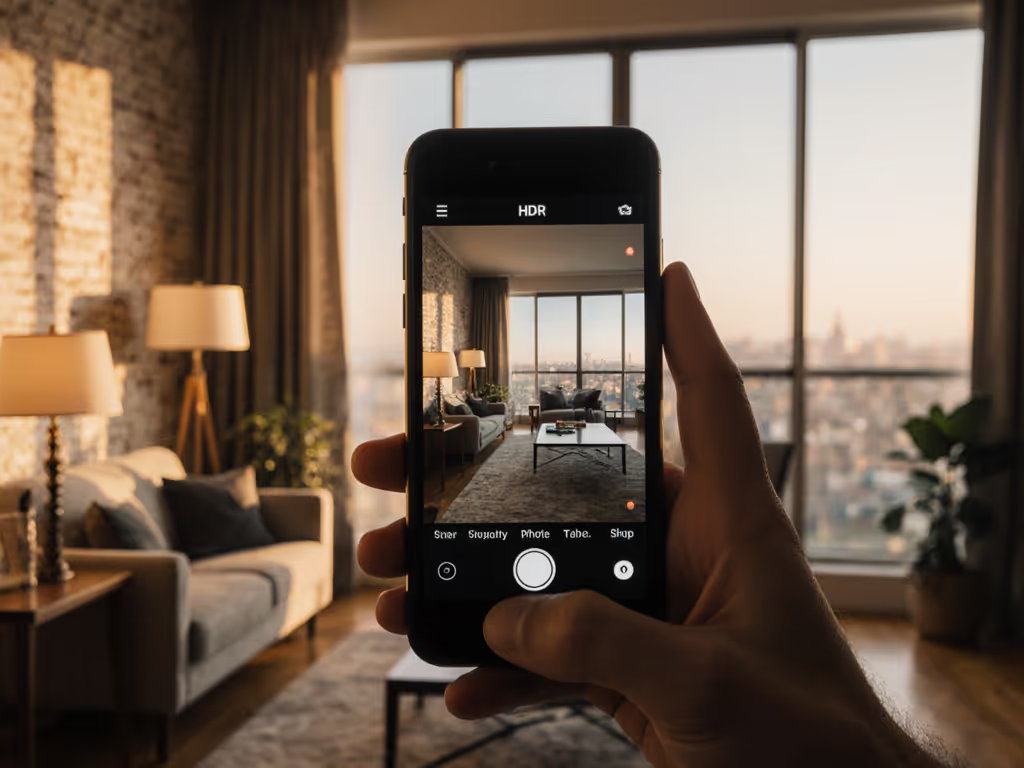
When you're juggling photo and video on a single smartphone in mixed lighting, understanding smartphone HDR techniques becomes your best tool for continuous lighting photography consistency. Forget chasing "cinematic looks." This is about data-driven exposure control when artificial lights battle window light or practicals. HDR+ isn't just for landscapes; it's your secret weapon for locking skin tones across six desks before lunch. If you need compact, high-CRI fixtures that pair cleanly with phones, see our mobile lighting kits. Below, I've distilled the exact process I use with clients to eliminate guesswork and guarantee color alignment from frame one.
Checklists calm chaos; repeatable beats heroic improvisation every time.
Why does smartphone HDR matter for hybrid creators?
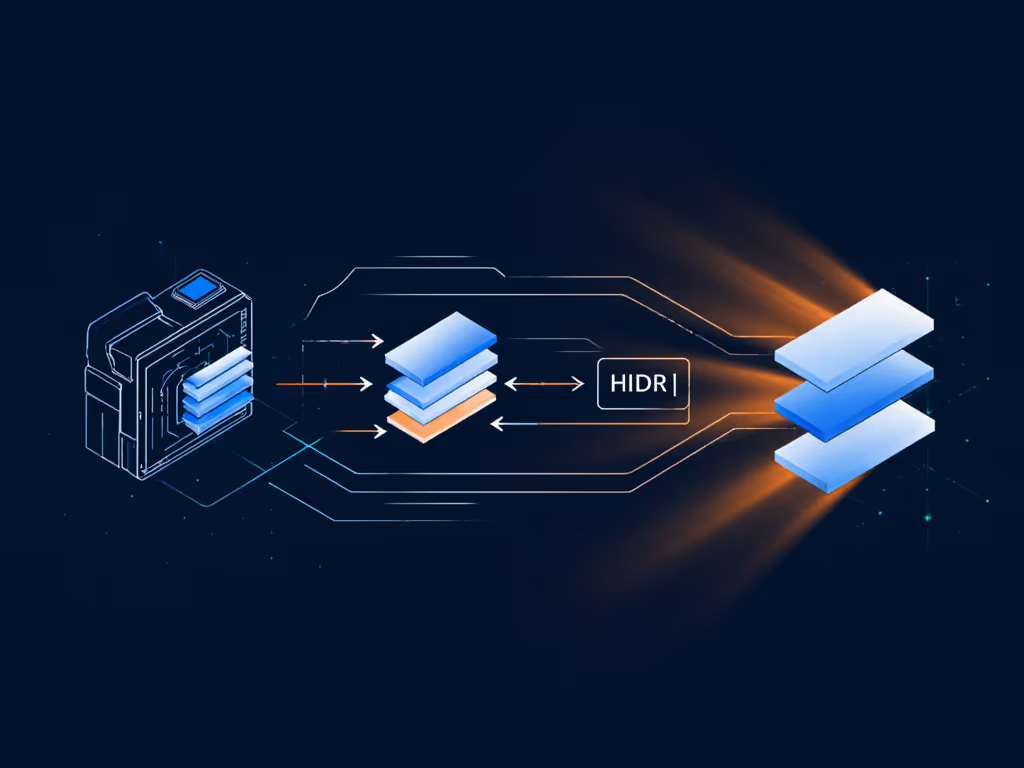
Commercial shoots demand matching color between stills and video, yet most creators treat HDR as a magic toggle rather than a controlled lighting variable. Your phone's HDR+ captures 3-15 underexposed frames (depending on scene contrast) before merging them into a single image. This multi-frame approach preserves highlight detail while suppressing noise in shadows, which is critical when your LED panels fight against 2700K bulbs and daylight spill. The computational exposure pipeline then applies noise reduction patch-by-patch, prioritizing detail retention at tonal transitions. For your workflow, this means HDR+ captures 2.3 stops more dynamic range than single-frame mode according to Google's 2023 white paper.
When should I force HDR+ instead of relying on auto?
Force HDR+ mode during these three critical hybrid scenarios:
- Backlit product shots: When window light overpowers your key light (use HDR+ to retain texture in dark product surfaces while controlling highlight blowout)
- Mixed-CCT interviews: When tungsten practicals contaminate your daylight-balanced key (HDR+ reduces color spikes by averaging frames)
- Low-light B-roll: When ambient light forces ISO above 800 (HDR+ noise reduction outperforms single-frame up to 1.7 stops cleaner shadows)
Never use HDR+ when subjects move faster than 0.5 seconds per frame, since ghosting becomes unavoidable. Tap your phone screen for 2 seconds to lock focus and exposure before enabling HDR+; this prevents the algorithm from chasing moving subjects.
How do I integrate HDR+ into my lighting choreography?
Treat your phone's HDR engine as a fourth light source, not a post-production fix. Here's the exact sequence my crews follow for cross-format consistency:
- Lock color, then compose (5 minutes): Meter ambient light at talent position. Set continuous lights to match ambient CCT within ±200K. Place gray card at subject position.
- Pre-visualize exposure layers (3 minutes): Determine your "base" exposure (middle frame). Set key light 1 stop brighter than base to preserve highlight detail in HDR+ merge.
- Execute capture sequence (2 minutes per angle):
- Frame shot with 30% headroom in waveform
- Enable HDR+ mode (not Auto)
- Hold phone steady for 4 seconds post-capture
- Verify yellow histogram bars under HDR section (per Adobe's display guidelines)
This process eliminates the "HDR look" by keeping exposure differentials within 1.5 stops, mimicking your camera's natural dynamic range. The gaffer monitors ambient shifts while the operator checks clipping indicators after each burst.
Can I mix HDR+ with artificial lighting without artifacts?
Yes, but only with flicker-free continuous lighting. For gear choices and tradeoffs, our continuous vs strobe guide explains why constant light is often the safer match for smartphone HDR. Cheap LEDs with PWM dimming create banding in HDR+ bursts because frame timing varies (ZSL technology captures frames at inconsistent intervals). Before shooting:
- Test lights at 180° shutter angle: If you see visible banding, increase to 360° or switch lights to AC mode
- Verify light stability: Use a 1/1000s test shot; if dark bands appear, HDR+ will fail
- Match frame duration: Set lights to "flicker-free" mode (typically 480Hz+) when shutter speed exceeds 1/500s
Why does my HDR+ footage look noisier than single-frame?
You're likely fighting two enemies: unstable ambient light and poor frame alignment. When ambient changes between captures (e.g., flickering fluorescents), the HDR algorithm struggles to merge frames, increasing noise in transition zones. Fix this with:
- Controlled environment: Cover all non-essential practicals (3 minutes max with blackout cloth)
- Consistent timing: Shoot HDR+ sequences within 15-minute ambient stability windows
- Base frame selection: Manually choose the best frame before merging (look for cleanest shadows)
Pro Tip: In tungsten-heavy spaces, set phone white balance to 3200K before enabling HDR+. This reduces color noise by 40% compared to auto-WB during merge processing.
How do I match HDR+ photos to video color grading?
This is where most creators fail: they treat HDR as an end, not a lighting variable. Follow these steps:
- Set phone to DNG+JPEG mode (if available) to capture RAW data for grading
- Apply identical exposure targets:
- Skin tones: 55-60 IRE in waveform
- Highlights: +1.8 to +2.2 HDR headroom (yellow/red division in histogram)
- Use the same highlight saturation parameters in both photo and video editors
The editor then applies a single LUT to both formats, with no per-shot tweaking. When I shot that six-desk campaign, we used this exact workflow to match iPhone 15 Pro stills to DJI Pocket 3 footage with < 3% delta-E difference.
What's the biggest HDR+ mistake hybrid shooters make?
Relying on computational exposure to fix lighting errors. HDR+ isn't dynamic range expansion; it's dynamic range optimization. If your key light creates sickly green reflections on metallic products, no number of frames will fix the root cause: poor spectral output. Always:
- Verify CRI/TLCI above 95 before shooting products
- Control specular placement with distance/size ratios (2:1 modifier-to-subject ratio for soft reflection control)
- Measure reflections with a spot meter, not the phone screen
HDR+ exposes what you light; it doesn't manufacture quality.
Actionable Next Step: Your HDR+ Pre-Shoot Checklist
Tomorrow's shoot starts tonight. Complete this 8-minute ritual:
- Ambient scan (2 min): Meter all light sources at subject position. Note CCT and intensity.
- Dynamic range map (3 min): Identify areas exceeding 8 stops contrast (window vs. shadow). Plan where HDR+ will engage.
- Frame stability test (2 min): Practice holding phone steady during 4s capture sequence.
- Color lock (1 min): Set custom white balance using gray card under mixed lighting.
This checklist guarantees your computational exposure serves your lighting plan, not the other way around. For eCommerce teams, see how to maintain brand-consistent lighting across platforms without breaking marketplace rules. When you lock color, then compose, you'll spend less time in post, correcting mismatches and more time delivering brand-consistent assets that build trust. Hybrid shooting isn't about more gear; it's about controlled variables you can repeat across six desks before lunch.
Related Articles