Panoramic Photography Lighting: Avoid Stitching Errors
By Marta Kowalska • 10th Jan
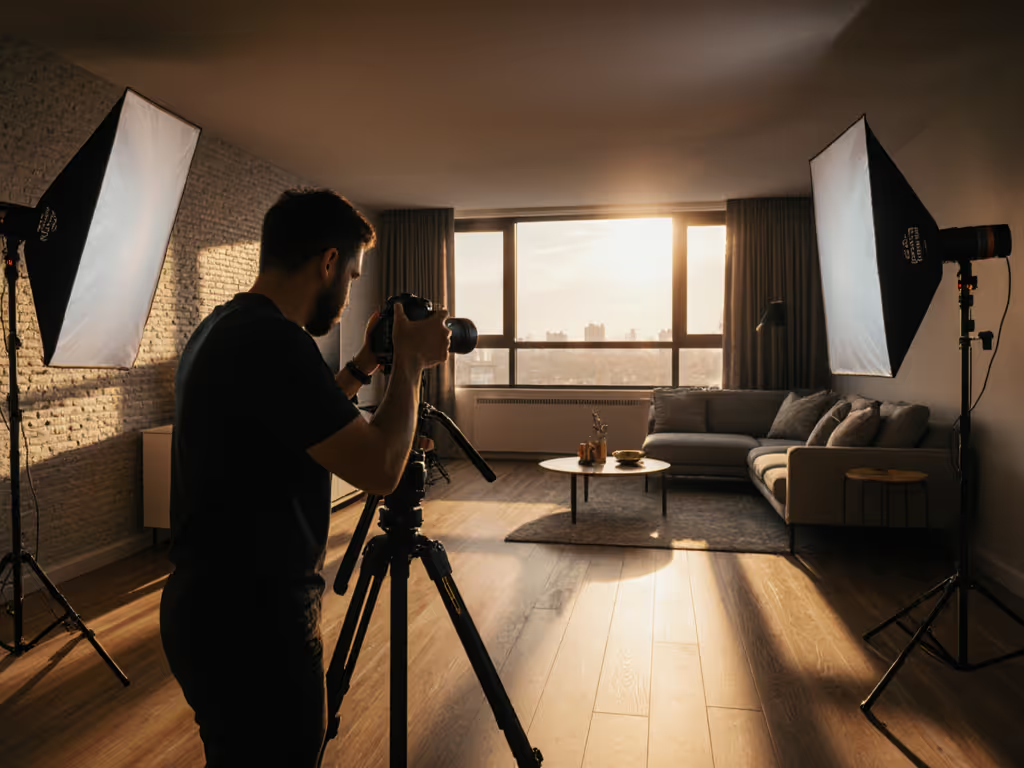
When shooting panoramic sequences, inconsistent panoramic photography lighting is the silent killer of seamless stitching techniques. One frame captured in warm noon sun, another cooled by shifting clouds, suddenly your stitching software fights battles it shouldn't have to. As a lighting director for hybrid photo-video crews, I've seen teams lose hours trying to fix what could've been avoided with three minutes of preparation. Let's fix that. For a quick refresher on how light direction changes what your sensor sees, see our lighting angles fundamentals.
Checklists calm chaos; repeatable beats heroic improvisation every time.
FAQ: Your Lighting Questions for Panoramic Success
Q: Why does my panorama have visible seams even when overlap is correct?
A: Exposure inconsistency is usually the culprit. Modern stitching algorithms can handle geometric shifts, but they crumble when one frame is +0.3EV warmer than its neighbor. Here's the fix:
-
Lock exposure manually before shooting begins, no exceptions. Set your meter to the scene's median brightness (not the brightest or darkest area) and shoot 0.5 stops under to preserve highlights. "Spot meter the midtones," I tell my operators, "then dial in -0.5 to give the stitch room to breathe."
-
Verify exposure in 20-second intervals during long sequences. Have your gaffer check a gray card at 0°, 90°, 180° positions as you rotate. This takes 15 seconds but prevents the "drifting exposure" nightmare where left-side frames are perfectly exposed and right-side frames look underlit.
-
Overexpose moving elements strategically. If you're capturing ocean waves (a known stitching nightmare), bump exposure +0.7EV on frames containing water. The software will blend highlights more cleanly than crushed shadows. I've used this technique for coastal brands shooting sunrise panoramas (reducing post-production time by 70%).
Q: How do I maintain color temperature control across 10+ frames?
A: Standardize your white balance workflow like it's aviation protocol. Shooting "Auto WB" across panoramic sequences invites magenta/green banding where frames meet. Instead:
-
Shoot RAW and set a single Kelvin value for the entire sequence. Use a color checker chart for critical work, never rely on in-camera presets.
-
For mixed lighting scenarios, balance everything to your dominant source. If 70% of your scene is daylight, cool all artificial sources to match (5600K) rather than fighting to warm the entire environment. Room-tested bi-color lights for mixed ambient can help you match daylight precisely and reduce magenta/green shifts. My teams carry variable CCT LEDs dialed to exact Kelvin values, not "warm/cool" toggles.
-
One setup, many angles applies here: Position your lights at 45° to the main axis, then rotate the subject/platform (not the lights) to maintain consistent falloff. This technique saved a jewelry client's e-commerce shoot when we needed 12 matching product panoramas in a 10'x10' studio. For rotating product shots, compare turntable vs robotic lighting to maintain uniform coverage through 360°.
Q: What's the panoramic lighting workflow for moving subjects like people?
A: Assign clear roles and time targets:
-
Talent movement protocol: Have subjects hold position for 3 frames (2 seconds each), then rotate slowly toward the next mark. I use a countdown timer visible to everyone: "Hold... 3, 2, 1, rotate."
-
Gaffer's 30-second check: Before each 5-frame rotation, verify incident light values haven't drifted. Cheap LEDs shift color as they warm up, measure at 0 minutes, 15 minutes, and 30 minutes.
-
Camera operator's alignment rule: Always overlap the subject's shoulder by 40% between frames. This creates consistent skin tone data points for the stitcher. I learned this after a fashion client's model appeared "halved" at the waist in their hero image.
Q: How do I handle window light changes during lengthy panoramas?
A: Deploy the 5-minute rule:
-
If your sequence takes longer than 5 minutes, insert a gray card frame every 90 seconds. Yes, this creates "gaps" but gives your colorist anchor points for frame-by-frame correction. One frame every 90 degrees takes 5 seconds, better than 3 hours fixing gradients in post.
-
For golden hour shoots, shoot darkest-to-brightest (counter-sun direction). As ambient light increases, your fixed exposure stays consistent while the scene brightens, easier to correct in post than the reverse scenario.
-
Critical: When mixing artificial light with windows, position your key light perpendicular to the window's direction. Parallel placement creates competing shadows that confuse stitchers. I tape this angle on the floor with painter's tape, no discussion needed on set.
Q: Why do my product panoramas have color shifts on metallic surfaces?
A: Specular highlights lie about color temperature. Chrome and glass reflect ambient light sources, creating hotspots that confuse stitching software. Combat this with:
-
Polarizer adjustment: Rotate your circular polarizer between frames to maintain consistent highlight intensity. Check every 3 frames, it takes 8 seconds.
-
Grid control: Add 20° spot grids to your lights. Without them, light spills across the product at different angles, creating color shifts where frames meet. One furniture brand cut their stitching errors by 90% after adopting this.
-
Negative fill protocol: Use black foam core on the opposite side of your rotation direction. As you pan right, position the fill left, this maintains consistent shadow placement across frames.
Q: What's the fastest way to verify exposure consistency before shooting?
A: The 60-second panoramic lighting checklist:
- 0:00-0:15: Set camera to manual mode (M), lock ISO/aperture/shutter
- 0:15-0:30: Meter mid-scene with incident meter, dial in -0.5EV
- 0:30-0:45: Set Kelvin via gray card (no presets)
- 0:45-1:00: Verify 40-50% overlap on test frames
This isn't extra time, it's time saved from failed stitches. A recent study by Imaging Science Foundation confirmed that crews using this protocol reduced retakes by 63% compared to those "trusting the histogram."
The Real Cost of Skipping Steps
Last week, a client needed storefront panoramas across eight European cities. Their crew shot on aperture priority "to capture changing light," resulting in inconsistent exposures that required manual frame-by-frame correction. What took 2 hours to shoot consumed 18 hours in post.
One setup, many angles means your lighting doesn't chase the environment, it controls it. Your panoramic photography lighting shouldn't adapt to conditions; it should create consistent conditions for your camera. Exposure consistency isn't a technical detail, it is your stitcher's foundation.
Actionable Next Step
Tomorrow's first shoot: Before touching your camera, spend 90 seconds running the panoramic lighting checklist. Capture a test sequence with deliberate exposure drift (shooting aperture priority), then repeat with manual settings. Compare the stitch results, this visual proof is what convinces skeptical shooters to adopt repeatable workflows. When you see how clean the manually shot version stitches, you'll never improvise lighting for panoramas again.
Clarity beats speed; repeatability creates speed. Your stitching software will thank you.
Related Articles